8wwww App vs Website: Which One Should You Open First?
If you top up small amounts from your phone and want the lobby open in a single tap, install the Android app. If you withdraw larger sums, keep your own records, or sit at live tables for an hour, the browser version is calmer to use. Your account, balance and bonus sit in one wallet either way, so the real question is how you hold the screen.
What follows is a straight comparison of the three ways to reach us: the APK, a phone browser and a desktop browser. Timings come from our cashier and app build. Everything else is about feel, habits and how much data you have left this week.
18+ · Play Responsibly
Side by side: installation, speed and the cashier
Three columns, seven rows. Read the row that matters to you first, then check the two below it. Every cell is filled, so nothing is left to guesswork.
| What you are comparing | Android app (APK) | Phone browser | Desktop browser |
|---|---|---|---|
| Install requirement | Free 45 MB APK, Android 6.0 or newer, version 2.0.1 | None. Opens in any phone browser | None. Opens in any desktop browser |
| Opening speed | Fastest after the first load, one tap from the home screen | Quick on 4G, slower when the signal drops | Fast on broadband, slow over phone tethering |
| Data used | Lowest across a long session, art stays on the handset | Medium, the lobby reloads on each visit | Highest, full-size lobby and table images |
| Alerts and quick sign-in | Alerts reach the handset, the session stays open | Save the password in the browser, sessions time out sooner | Stay signed in on your own machine, or save the password |
| What you can play | All 2,700 games, live casino, cricket and football markets | Same lobby and same providers, tighter layout | Same lobby with more rows and tables on screen |
| Deposit and withdrawal | bKash, Nagad, Rocket, Upay, bank transfer. 3 minutes in, 17 minutes out | Same methods, smaller form to fill | Same methods, easiest for long bank details |
| Who it suits | Phone-first players, small stakes, short sessions | Shared or low-storage phones, iPhone users | Large withdrawals, record keeping, match nights at a desk |
Cashier timings are the typical processing windows for bKash, Nagad, Rocket, Upay and bank transfer. A first payout can take longer while documents are checked.
One account, three doorways. The screen you pick changes the layout and the number of taps, not the games sitting behind it.
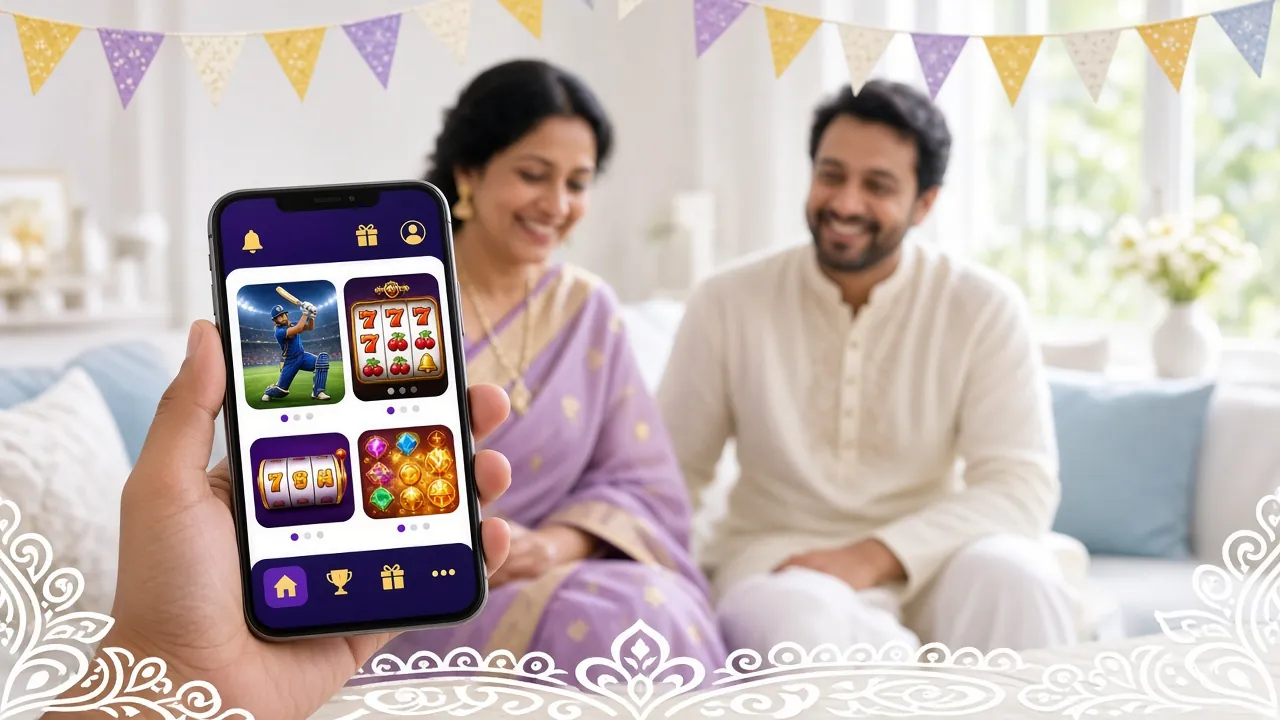
Android app (APK): the fast lane for phone players
The app is a free 45 MB download for Android 6.0 and newer, version 2.0.1, last updated on 14 November 2026. It installs from our own download page rather than a store, so you allow installs from your browser once during setup.
After that the icon sits on your home screen. Reaching the lobby, the cashier or a live table takes one tap, with no address bar and no page reload between visits.
What works well
- One tap from the home screen straight into the lobby.
- Art and sounds stay on the handset, so a long evening uses less data than the same evening in a browser.
- Alerts about match starts and bonus windows arrive on the phone itself.
- The cashier is two taps away, with bKash, Nagad, Rocket, Upay and bank transfer.
- The session stays open, which suits a quick balance check during a tea break.
What to keep in mind
- Installing means allowing apps from your browser, an extra step that surprises some players.
- The build takes 45 MB of storage and does not update itself, so you reinstall when a new version lands.
- Because sessions stay open, sign out before handing the phone to anyone else.
- Live tables with several seats feel tight on a small screen.
Who it suits: players who stake small amounts, top up through bKash on the way home and want the next spin in one tap. If the handset is yours alone and you have room for a 45 MB app, this is the shortest route to the cashier. Grab the file from the Android download page and you are set.
Phone browser: nothing to install, nothing to update
Open the site in Chrome, Safari or whatever browser came with the phone, then log in. Nothing is stored on the device, and you always see the newest build of the site because it loads fresh each time you visit.
This is the option to keep in your pocket for the days you do not want another app icon or another password saved somewhere new.
What works well
- No download, no storage and no install permission at all.
- Always the current version, including new titles and new cashier options.
- Behaves the same on Android and iPhone, and works on a borrowed phone.
- A home-screen shortcut gets you an app-style tap without an install.
What to keep in mind
- The lobby reloads on each visit, so a long session costs more data than the app.
- Sessions time out sooner, which means retyping the password more often.
- No phone alerts when a cricket match or a bonus window opens.
- Slower on weak signal and heavier on older handsets.
Who it suits: anyone who plays a few times a week, uses a shared or low-storage phone, or wants to check a balance without committing to an install. iPhone owners land here by default, since the APK is Android only.
Desktop browser: room for the full cashier and a second tab
On a laptop the lobby, the live tables and the account pages sit side by side. That extra width matters when you are typing bank account numbers or reading a withdrawal history line by line.
It also suits match nights, when you want markets open in one tab and a table spinning in another without flicking between apps.
What works well
- Full-width tables, with your balance visible while you browse the lobby.
- Two tabs, one for live casino and one for cricket or football, on a single screen.
- Comfortable for larger withdrawals and for checking past transactions.
- A real keyboard for long account numbers and reference notes.
What to keep in mind
- Tied to a desk, so no use on a commute or in a queue.
- The heaviest data use of the three, with full-size lobby art and table graphics.
- Not wise on a shared family computer unless you sign out every time.
- Power cuts and dropouts interrupt a session more than a phone on mobile data.
Who it suits: players moving ৳25,000 or more in a day, anyone who keeps a written record of deposits, and people who settle in at a desk with the TV on and a full evening ahead.
Where 8wwww stays the same on every screen
Switching doorways never splits your account. The wallet, the bonus balance and the wagering counter are one set of numbers behind every version of the site.
-
The same game floor
All 2,700 titles from Ezugi, Evolution, PG Soft, Playtech, FA Chai and JILI, with identical RTP values wherever you open them.
-
One wallet, one set of limits
৳300 minimum deposit, ৳1,400 minimum withdrawal and a ৳25,000 daily withdrawal cap on app and web alike.
-
Unchanged bonus terms
130% on the first deposit up to ৳12,500, 25% reloads, 1.6% daily cashback and 8x wagering, whichever doorway you use.
-
Same support desk
24/7 live chat answers from the same team, and the same document check before your first payout.
Moving between app and web in four steps
Most players end up with two doorways: the app at home and the browser on a work laptop or a borrowed phone. Setting that up takes a few minutes.
-
Install the APK
Open the download page, save the 45 MB file and allow installs from your browser once. Sign in with your usual details and the lobby is ready.
-
Log in once in a browser
Use the same username and password on the mobile or desktop site. The balance you see is the same wallet, not a second account.
-
Add a home-screen shortcut
In Chrome or Safari choose Add to Home Screen. The web version then opens with one tap for the days you do not want to open the app.
-
Sign out on shared devices
Both the app and the site keep sessions open. Log out before a phone passes to a cousin or a laptop goes back to the family desk.
Match the 8wwww app or website to your evening
Five situations players actually describe to us, and the doorway we would point them to in each.
-
Small first deposit, phone in hand
A ৳300 top-up through bKash usually clears in about three minutes and unlocks the 130% welcome bonus up to ৳12,500, which carries 8x wagering.
Pick: the app, because the cashier sits two taps from the lobby.
-
You want the payout to land quickly
Request the withdrawal before you close the session and keep the amount inside the ৳25,000 daily cap. Typical processing is 17 minutes.
Pick: the app or the phone browser, whichever is already open.
-
A large withdrawal to a bank account
Bank transfer requests need long account numbers and a careful check of the amount against your remaining daily limit and any bonus terms still running.
Pick: the desktop browser, where the form and the history fit on one screen.
-
Only a phone, and data is tight
A long evening of spins in a browser re-downloads the lobby on every visit, which adds up on a limited data pack.
Pick: the app, since the art is already stored on the handset.
-
Cricket on the TV, markets on the laptop
Ball-by-ball markets, a live table and the cashier can each hold their own tab, so nothing closes when you switch.
Pick: the desktop browser, with the phone browser as backup if the broadband drops.
What players ask before picking one
Do I need the app to claim the welcome bonus?
How big is the app and which phones run it?
Will my balance show on both the app and the website?
Which option uses the least data?
Can I withdraw from the phone browser?
What happens when a new app version is released?
Choose your screen, then open one account
Whichever doorway you settle on, registration starts on the same short form and the first deposit bonus follows the first top-up. Install the app if you want the cashier one tap away.